Key Features

Automatic Data Fetching
With Nomi’s HMRC Data Setting, once you generate the HMRC token, the relevant client data is automatically fetched from HMRC into Nomi. This eliminates the need for manual data entry, enhancing both speed and accuracy.
Streamlined Client Records
The data fetched from HMRC directly populates the client’s record within Nomi. This seamless integration keeps client records up to date and eliminates the hassle of dealing with multiple systems or inputs.
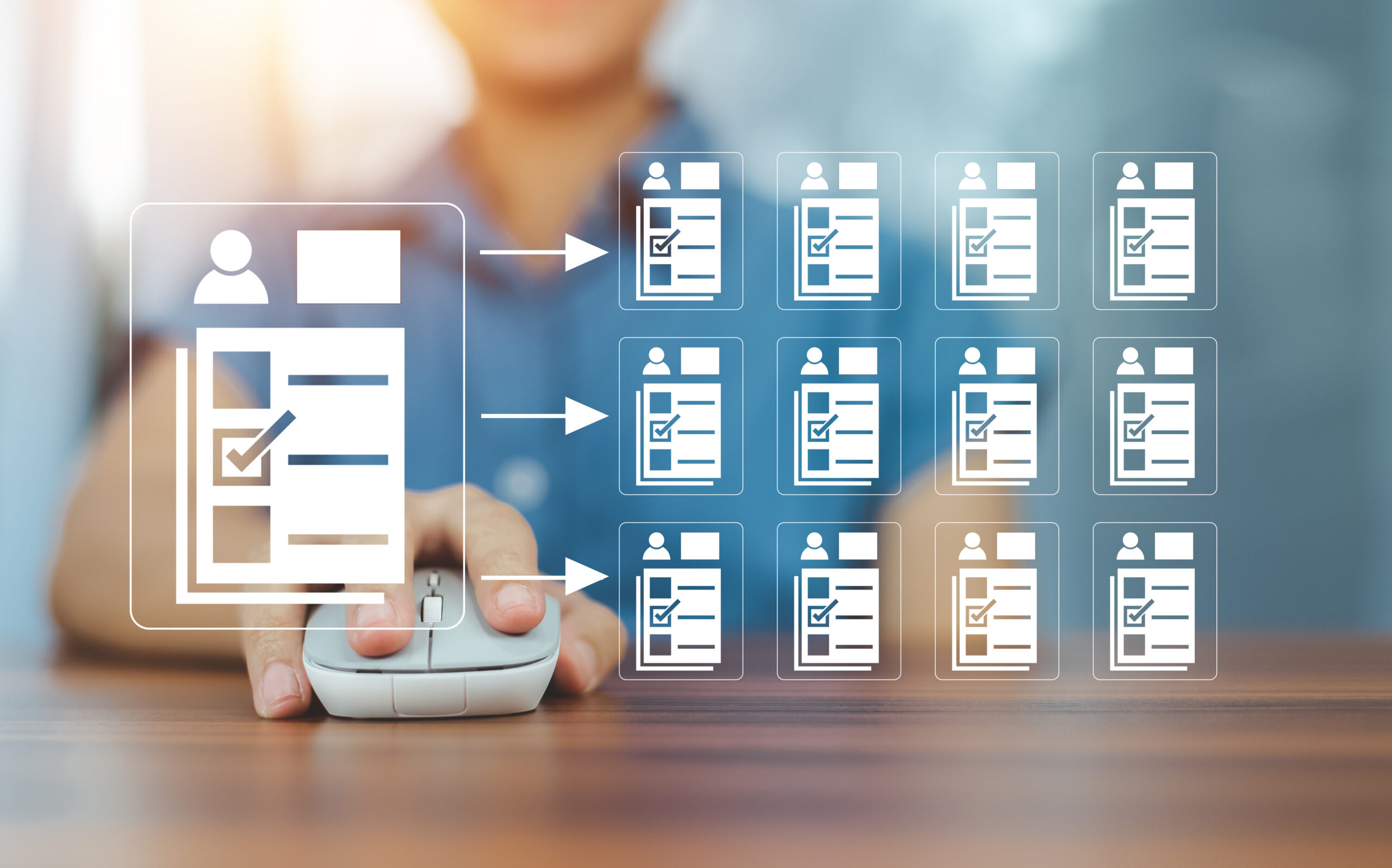

Improved Accuracy
By automating the process of data collection, Nomi reduces the risk of human error, ensuring that your client’s information is accurate and aligned with HMRC records.
Time-Saving Integration
Instead of manually inputting data or contacting clients for missing information, you can rely on Nomi’s HMRC Data Setting to save hours on administrative tasks, allowing you to focus on high-priority areas of your practice.




Frequently Asked Questions
- How do I generate the HMRC token in Nomi?To generate the HMRC token, navigate to the HMRC Data Setting section in Nomi, and follow the simple steps provided. Once generated, the token can be used to fetch data for your client’s self-assessment.
- Can I fetch data for multiple clients at once?Yes, Nomi allows you to fetch data for multiple clients at the same time, streamlining your workflow and reducing the time spent on each individual task.
- Is this feature compatible with all HMRC self-assessment records?Yes, Nomi’s HMRC Data Setting feature is designed to work with all self-assessment records, ensuring comprehensive data retrieval from HMRC for accurate filings.
- Will this feature reduce the chance of errors during tax filing?Absolutely! By directly fetching the data from HMRC, Nomi ensures the accuracy of the information, significantly reducing the risk of manual entry errors during tax filing.